- by families worldwide
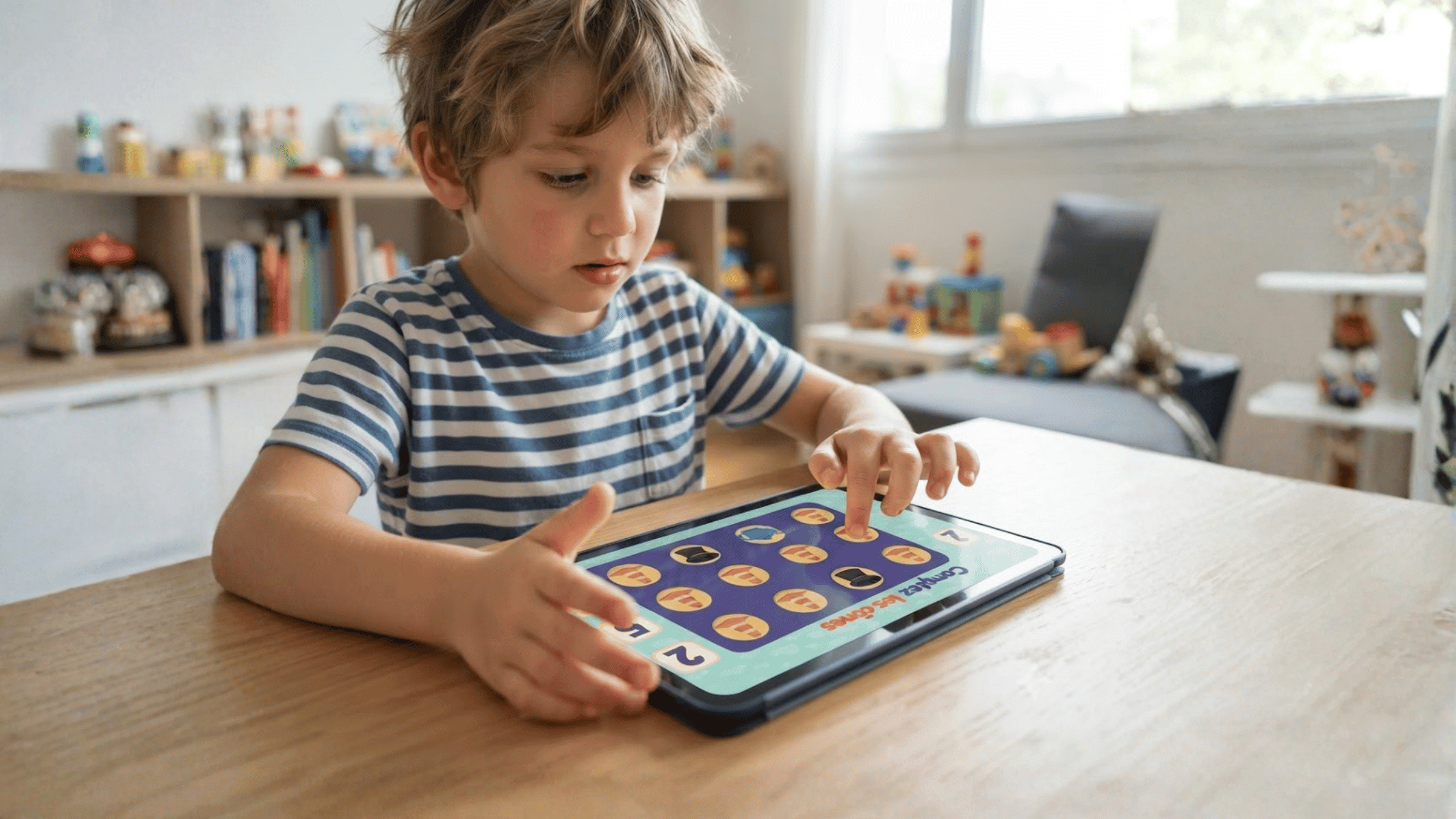
Most learning apps for kids look the same from the App Store or Google Play screenshots. The difference that actually matters is underneath: calm design instead of countdown timers and streaks, real human voices instead of AI, and a session length built around your child’s actual attention span — not around keeping them on the app longer.
Ages 3 to 8 is when this starts to matter most. It’s the stretch where kids move from tapping through a screen to genuinely learning from it, and where most parents start allowing more independent screen time for the first time. The real decision was never screens vs. no screens — it’s quality vs. quantity, and the gap between the two is larger than it looks.
For bilingual families it matters even more. Most kids’ apps default to English. The one you pick either actively supports a second language, or quietly lets it slide.
| Age | Session length | What to look for |
|---|---|---|
| 3 | 8–12 min | Matching, tracing, repetition, heavy read-aloud support |
| 5 | 12–15 min | Two-step instructions; good age to start structured vocabulary |
| 6 | 15–20 min | Light story structure as reading fluency grows |
| 7-8 | 20–25 min | A bit of challenge; apps that feel babyish get dropped fast |
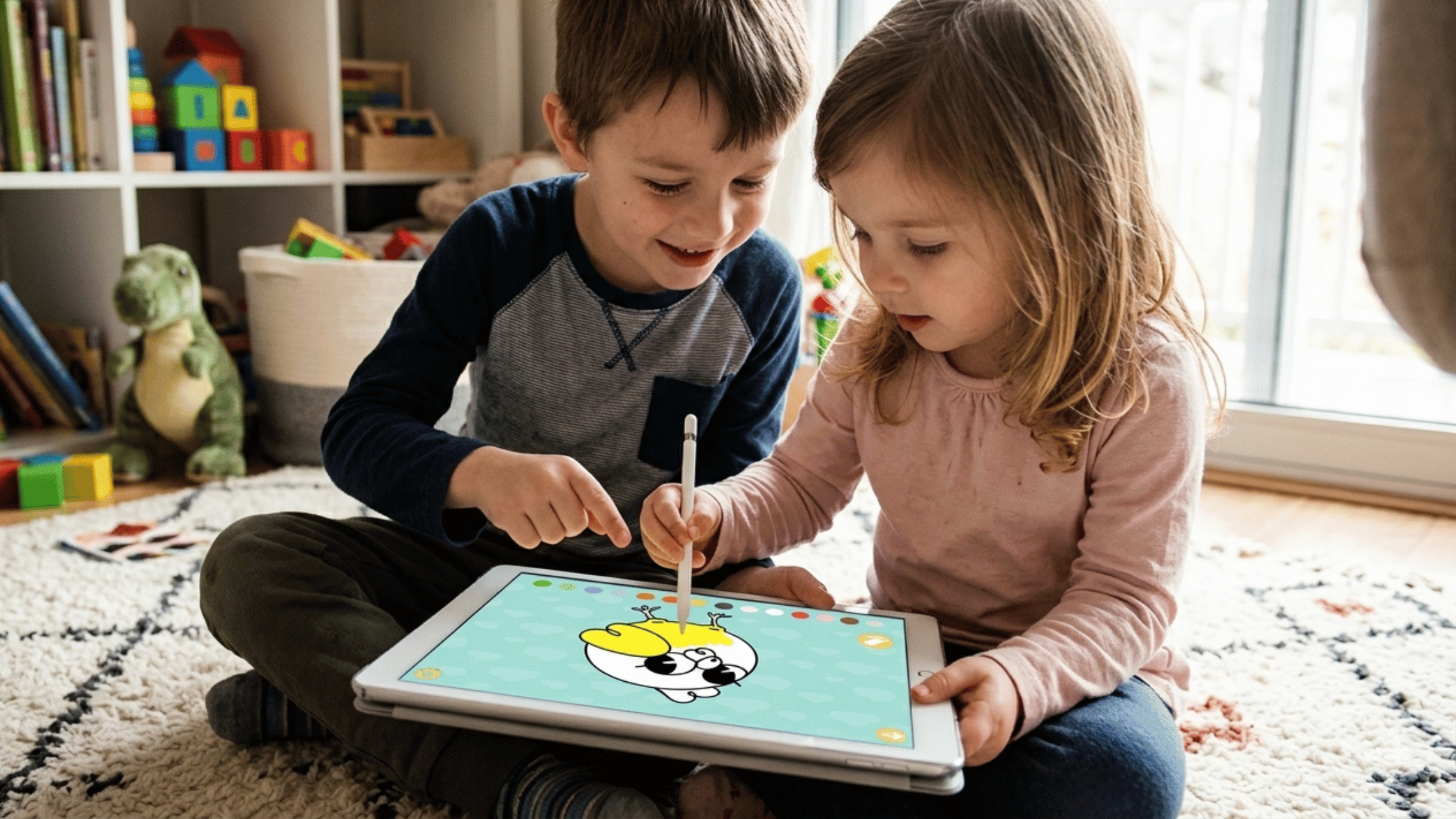
Parlini Land was built around exactly this framework, for the 3–8 age range where these habits get set. Every game uses real human voice recordings — no AI narration — because that human warmth matters most in the earliest language-acquisition years. Sessions are designed to be short by default: games like Matching, Flashcards, and Trace the Numbers are built to be picked up and put down in a few minutes, not to maximize time-on-app. And because English already dominates most children’s screen time by default, Parlini Land treats all 11 of its supported languages — from Spanish and Hindi to Irish and Swedish — as equally central, not English-with-add-ons.
It’s teacher-approved content, not focus-grouped content, which is the difference the 4-pillar framework is really pointing at.
Download on the App Store or Google Play.
What is the best screen time for a 5-to-8-year-old learning a language? Most kids in this range do best with short, focused sessions — around 8–12 minutes at age 5, growing to 20–25 minutes by age 8 — rather than long, unstructured screen time.
How do I know if an educational app is actually good for my child, not just entertaining? Check for calm (non-compulsive) design, real human voice narration, session lengths matched to your child’s age, and content built with educator input rather than pure engagement metrics.
Is screen time bad for bilingual or heritage-language learning? Not inherently — the medium matters less than the content. Screen time that delivers real, structured exposure to a target language can meaningfully support heritage language maintenance; passive English-default content does the opposite by default.