- by families worldwide
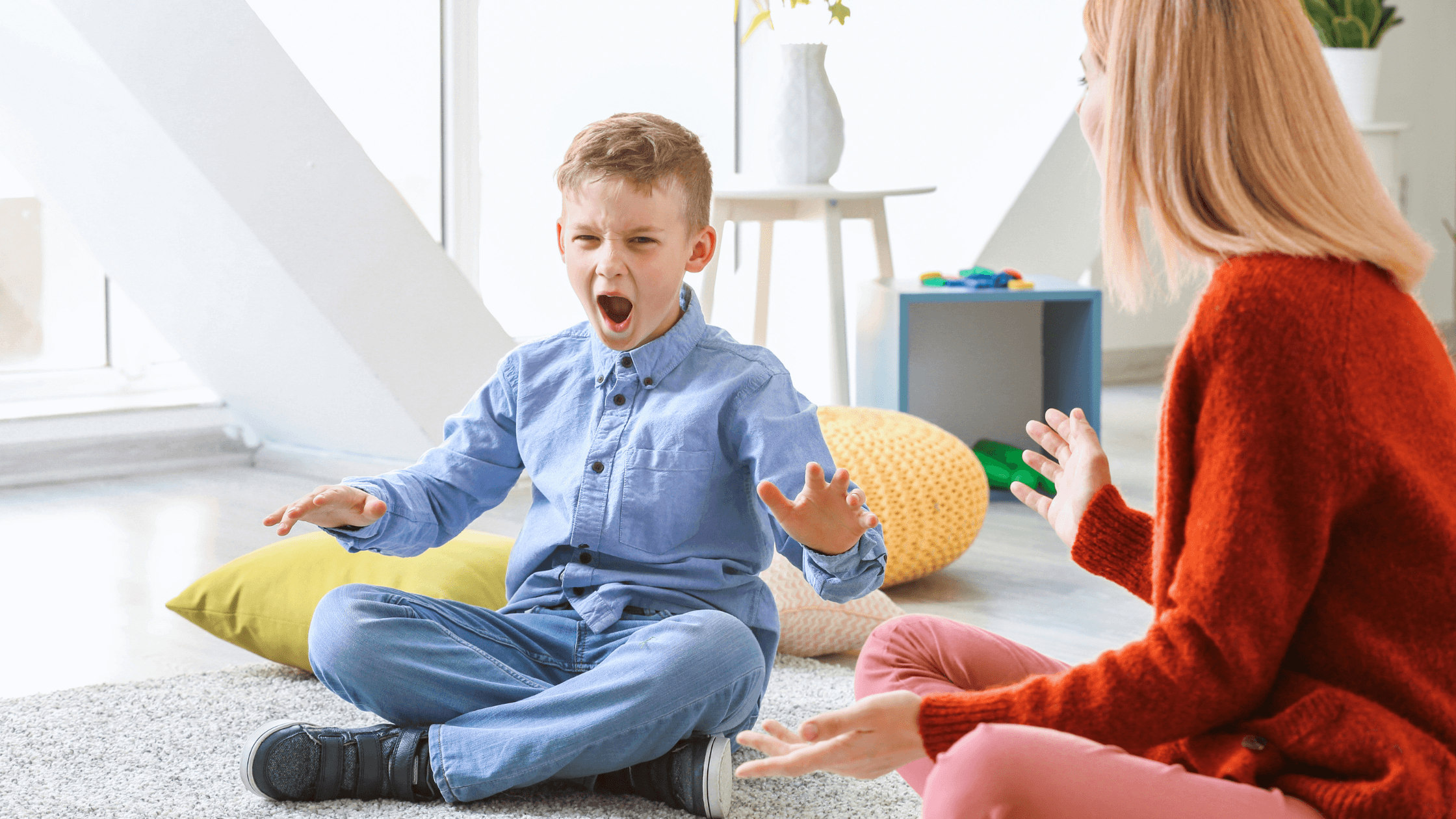
The quickest way to make screen time calmer for a neurodivergent child is to choose low-stimulation apps and build a gentle routine around them. Many neurodivergent children process sights and sounds more intensely, so flashing colours, loud effects and constant rewards can quickly lead to overstimulation. Apps with soft colours, gentle sounds and a simple design, used in short, predictable sessions, can make screen time feel safe and still educational. This guide explains why it matters, what to look for and how to put it into practice.
Many popular children’s apps are designed to capture attention and hold onto it. They often use:
For a sensory-sensitive child, that combination can be a lot to process. The brain is working hard to filter out noise before it can even focus on the activity.
Overstimulation can show up during screen time or afterwards. Common signs include:
These signs aren’t a parenting failure, and they don’t mean screens are off-limits. Often, they’re a signal that the design of the app doesn’t suit your child’s sensory needs. A calmer app can make a real difference to how screen time feels.
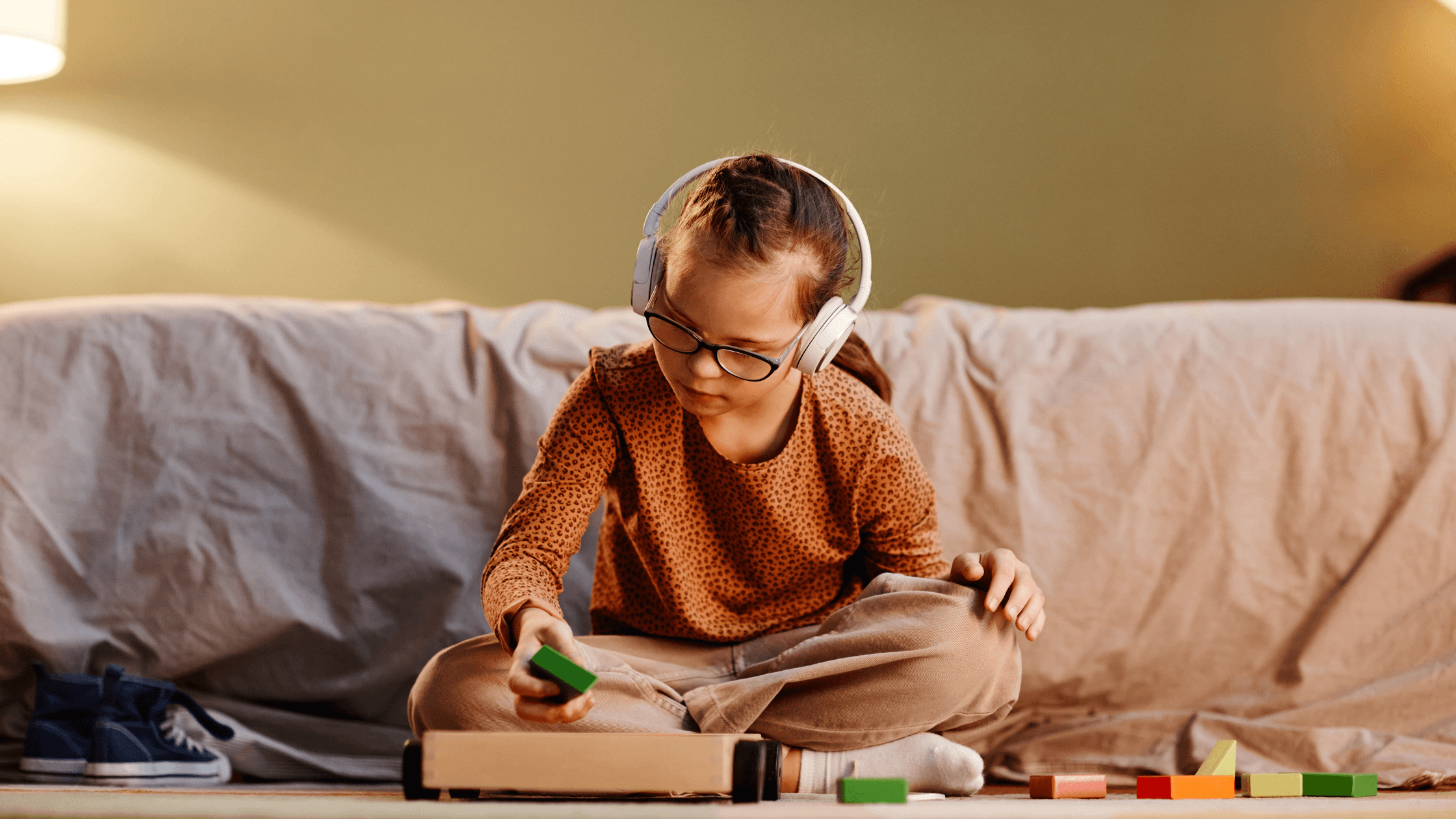
The best low-stimulation apps for neurodivergent kids get seven things right. Try any app yourself for five minutes before handing it over, and check it against this list.
Look for | Watch out for | |
|---|---|---|
1. Colour | Soft, muted palettes | Neon colours, flashing lights, busy backgrounds |
2. Sound | Gentle, natural voices and sounds | Loud effects, alarms, constant music |
3. Layout | One clear task per screen | Clutter, pop-ups, adverts |
4. Pace | Child-led, no rush | Countdown timers, “hurry up” prompts |
5. Motivation | Learning as its own reward | Coins, streaks, levels, prize animations |
6. Predictability | Simple, familiar game patterns | Sudden surprises and changing rules |
7. Learning | A clear educational skill in every game | Endless play with nothing behind it |
Some parents worry that a gentle app will be too easy or “babyish”. In fact, calm design can support learning. When there’s less to filter out, children can give their full attention to the task. Strong educational apps also use:
We built Parlini Land with low stimulation at its heart. From the very first design, we asked one question: what would a learning app look like if it never tried to overwhelm a child?
That question shaped every part of the app:
Parlini Land is made for ages 3–8 and is available in 11 languages. That means children can learn calmly in the language that feels most like home.
We designed Parlini Land to feel safe and calm for every child, neurodivergent or not. It’s an educational app, not a therapy tool, and every family knows their child best.
What is a low-stimulation app for kids?
A low-stimulation app uses soft colours, gentle sounds and simple screens instead of flashing lights, loud effects and constant rewards. It lets children focus on one activity at their own pace. Parlini Land is a low-stimulation learning app designed for ages 3–8.
Why do neurodivergent kids get overstimulated by screens?
Many neurodivergent children process sensory input more intensely, so bright colours, fast animations and loud sounds can quickly add up. Apps built to grab attention often combine all of these at once. Calmer, sensory-friendly design reduces that load.
What are the signs of overstimulation in children?
Common signs include irritability, meltdowns when screen time ends, covering ears or eyes, restlessness and trouble settling or sleeping. If you notice these, try shorter sessions and a calmer app.