- by families worldwide
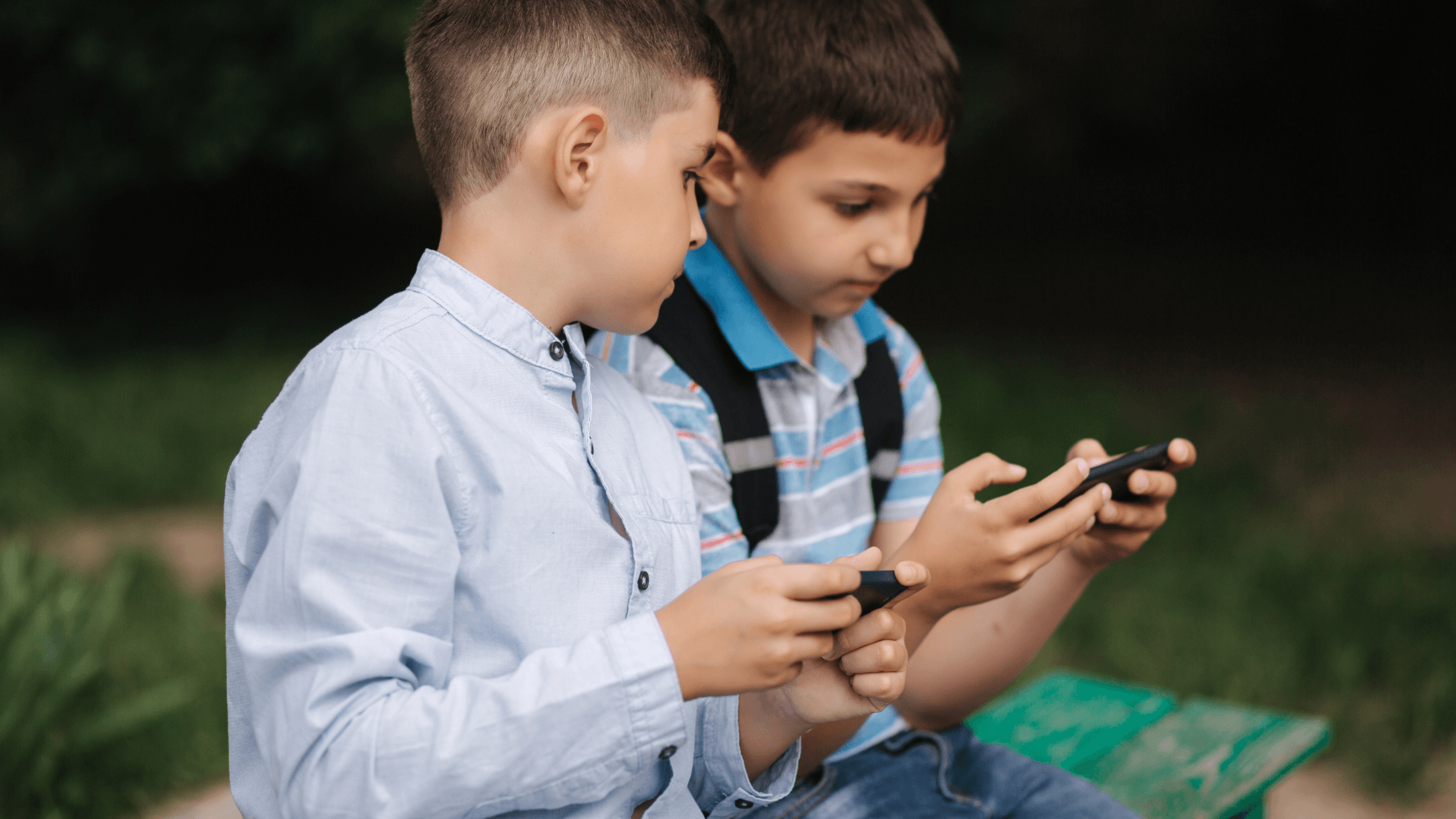
Roblox can be reasonably safe for kids, but only with parental controls switched on and an adult close by. It isn’t one game. It’s a huge platform of games made by other users, with chat, in-game spending and content that varies a lot in quality. For children under 8, it needs more supervision than most parents expect.
Roblox is one of the most popular platforms among children, and many players are under 13. Kids often hear about it at school long before parents do.
What makes Roblox different from a typical children’s game is that almost everything on it is made by other users. Millions of “experiences” sit side by side, from gentle pet-care games to fast, competitive ones. Some are thoughtful and creative. Others are designed mainly to keep children playing and spending.
That openness is what children love about it, and also why parents need to stay involved. Roblox has added more safety tools in recent years. These include content maturity labels, stricter chat rules for younger users, age checks and parent accounts that can manage settings remotely. But most of these work best when a parent sets them up and checks in.
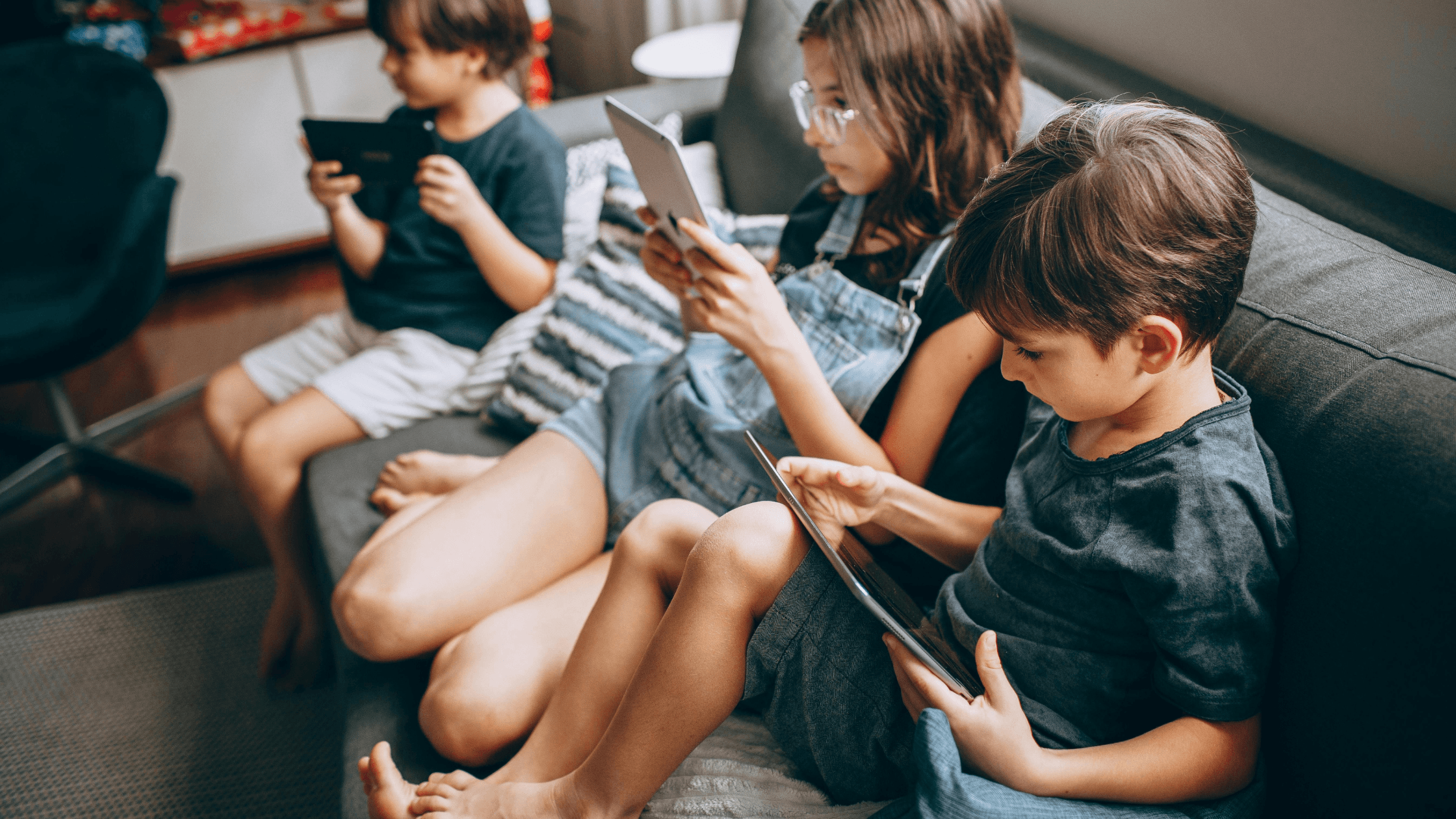
These are the five areas worth checking before (and after) your child starts playing.
Parlini Land was designed for a different job. Roblox is an open world built for endless play.
Parlini Land is a closed, calm space built for learning, made for ages 3–8.
Here’s how that shows up:
The calm, low-stimulation design means it won’t wind your child up before school or bed. It’s intentional screen time: short, gentle and worth it.
If you’re looking for calm screen time for your kids, without the guilt or the risky online features, you can download Parlini Land from the App Store or Google Play.
Is Roblox safe for a 5-year-old?
Roblox is generally not the best fit for a 5-year-old. Its open chat, user-made games and in-game spending are hard for young children to navigate. If they do play, sit with them and switch off chat and purchases.
What age is Roblox appropriate for?
Many parents find Roblox works best from around age 9 or older, with parental controls on. Younger children can play with close supervision. Check your app store’s age rating and Roblox’s own guidance before deciding.
How do I set up Roblox parental controls?
Link a parent account to your child’s profile, then adjust chat, spending and content maturity settings. Roblox updates these tools often, so follow its official parent guide for the current steps.